Features That Actually of Work These aren't marketing buzzwords. Every feature solves a real problem that traders face every single day.
These aren't marketing buzzwords. Every feature solves a real problem that traders face every single day.
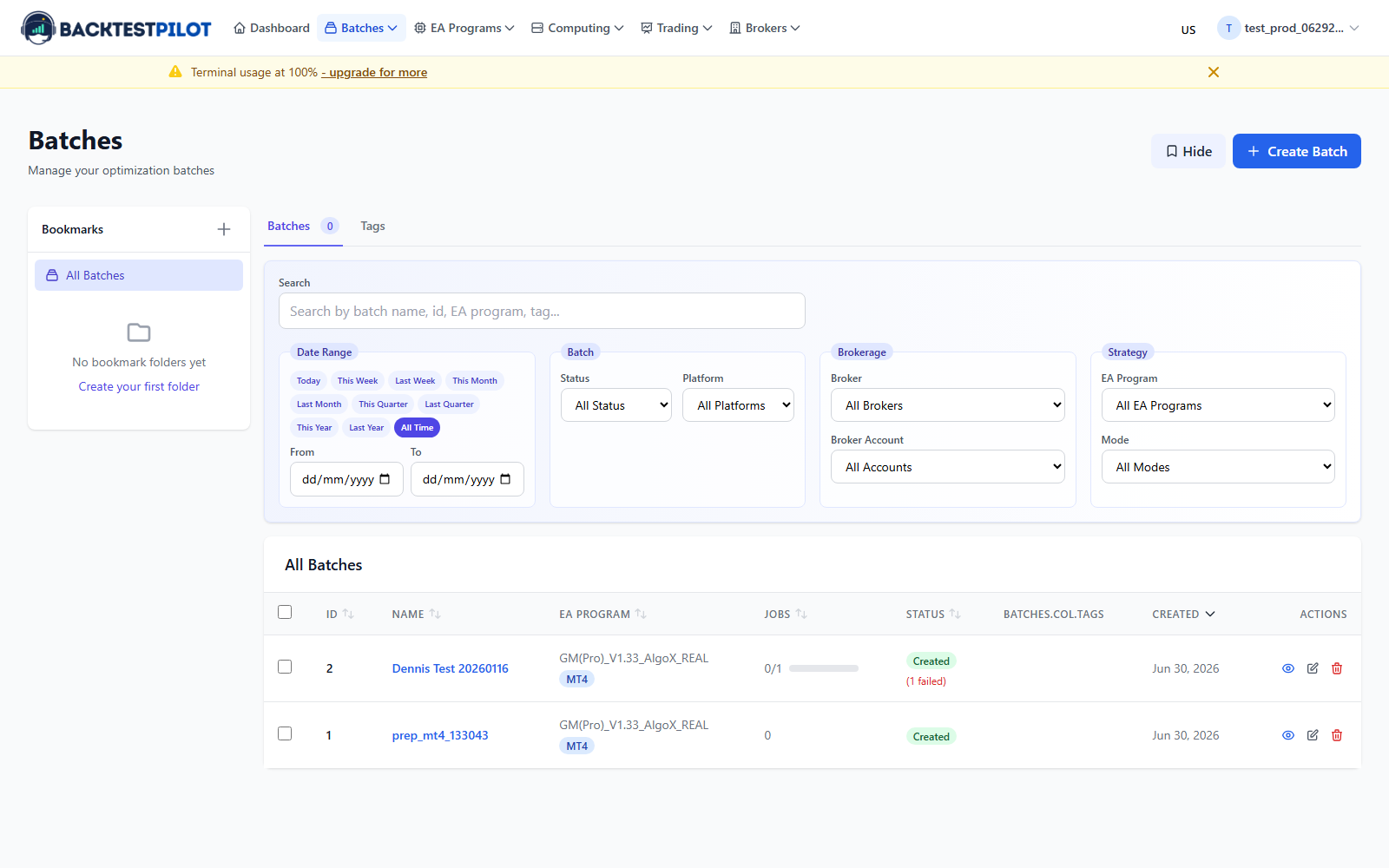
Batch Backtesting
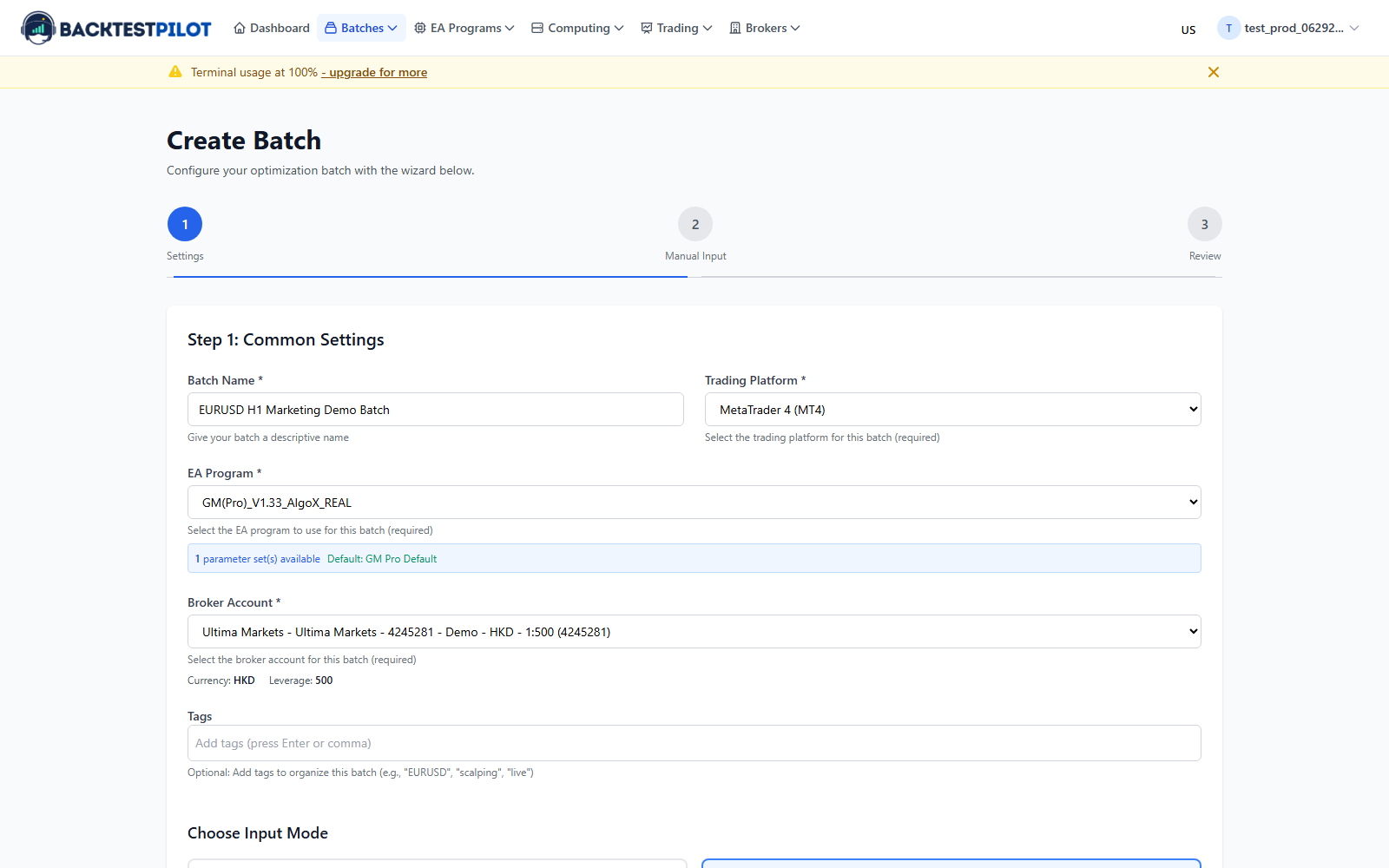
Run hundreds of backtests in parallel. Import job configs from CSV or create manually - our system distributes them across your terminals automatically.
Loading screenshot...
Loading screenshot...
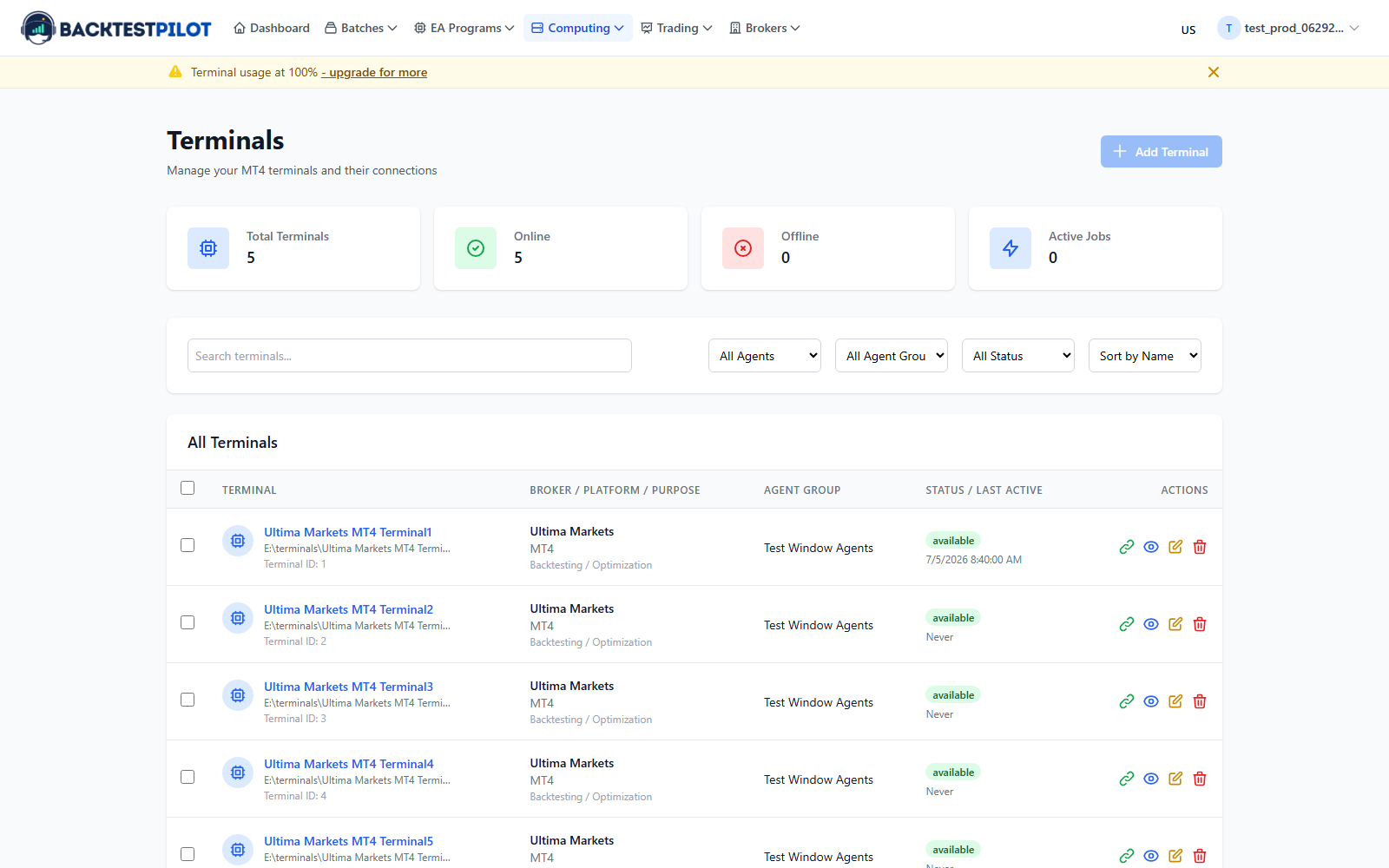
Smart Job Queue
Set it and forget it. The BacktestPilot Agent on your PC runs the intelligent queue — auto-launches local MT4/MT5 terminals, assigns jobs, and captures results without you watching.
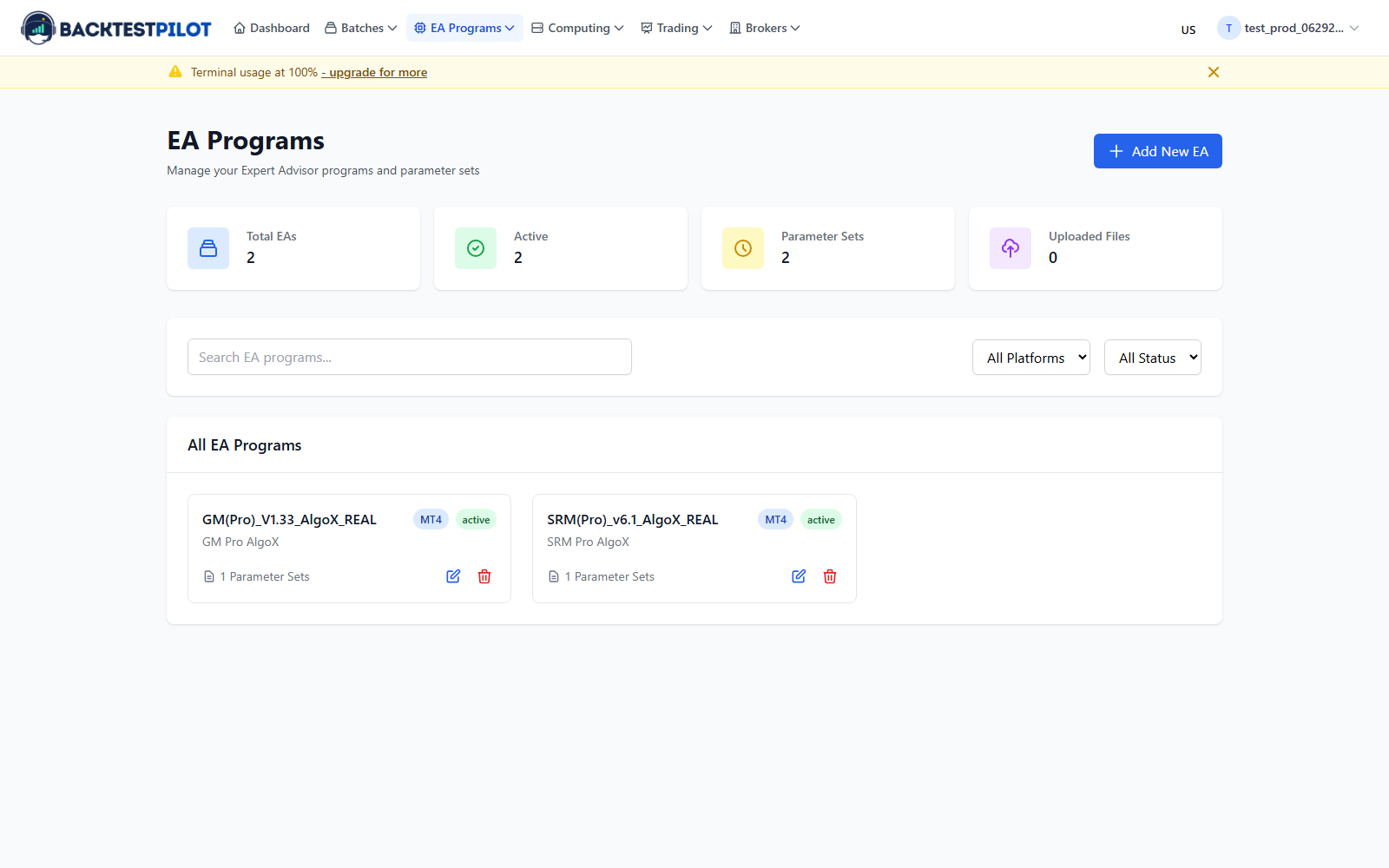
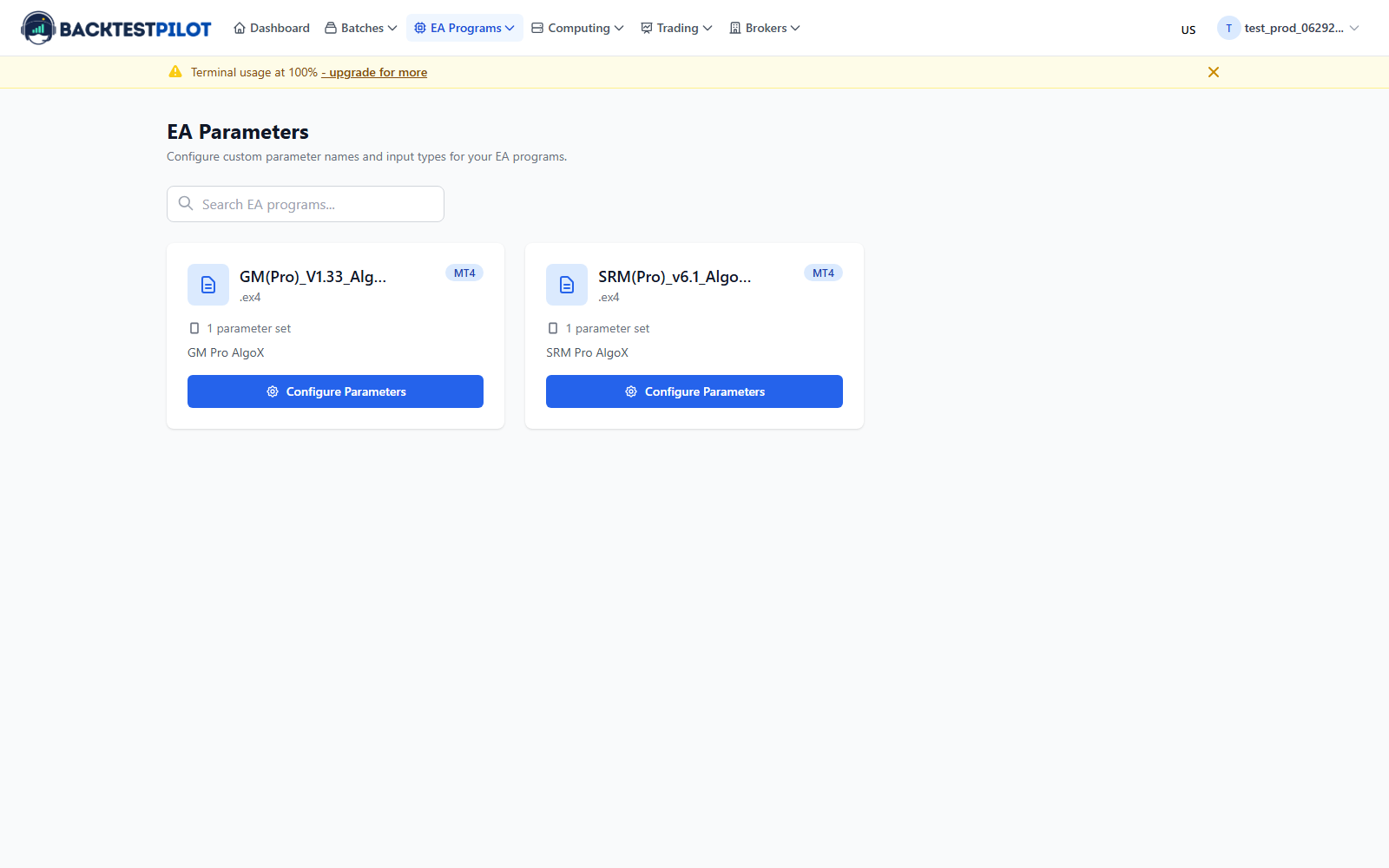
EA Library & Parameters
Centralize your EAs and parameter sets. Store .set files, track version history, and reuse configurations across batches.
Loading screenshot...
Complete Data Storage
Every result automatically archived. Full HTML reports, equity curves, and trade journals - never lose data again.
Optimization Parameter Storage
BacktestPilot supports both backtest and optimization jobs on MT4 & MT5. Every pass is stored with full EA parameters — select any pass to create a backtest job for detailed metrics. Never lose a valuable test result again.
Loading screenshot...
Loading screenshot...
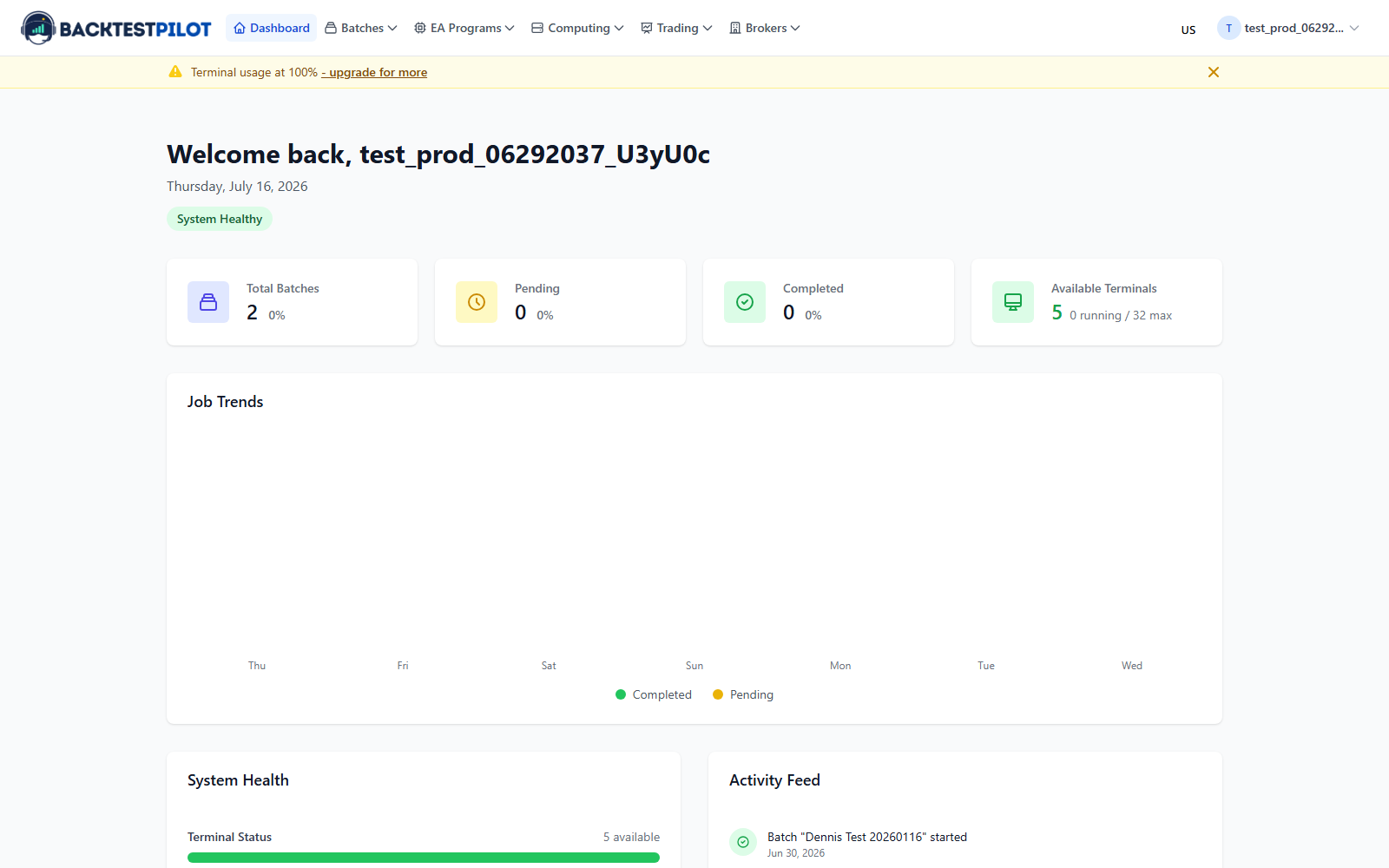
Real-Time Dashboard
Live queue status and terminal health at a glance. Know exactly which jobs are running, pending, or completed.
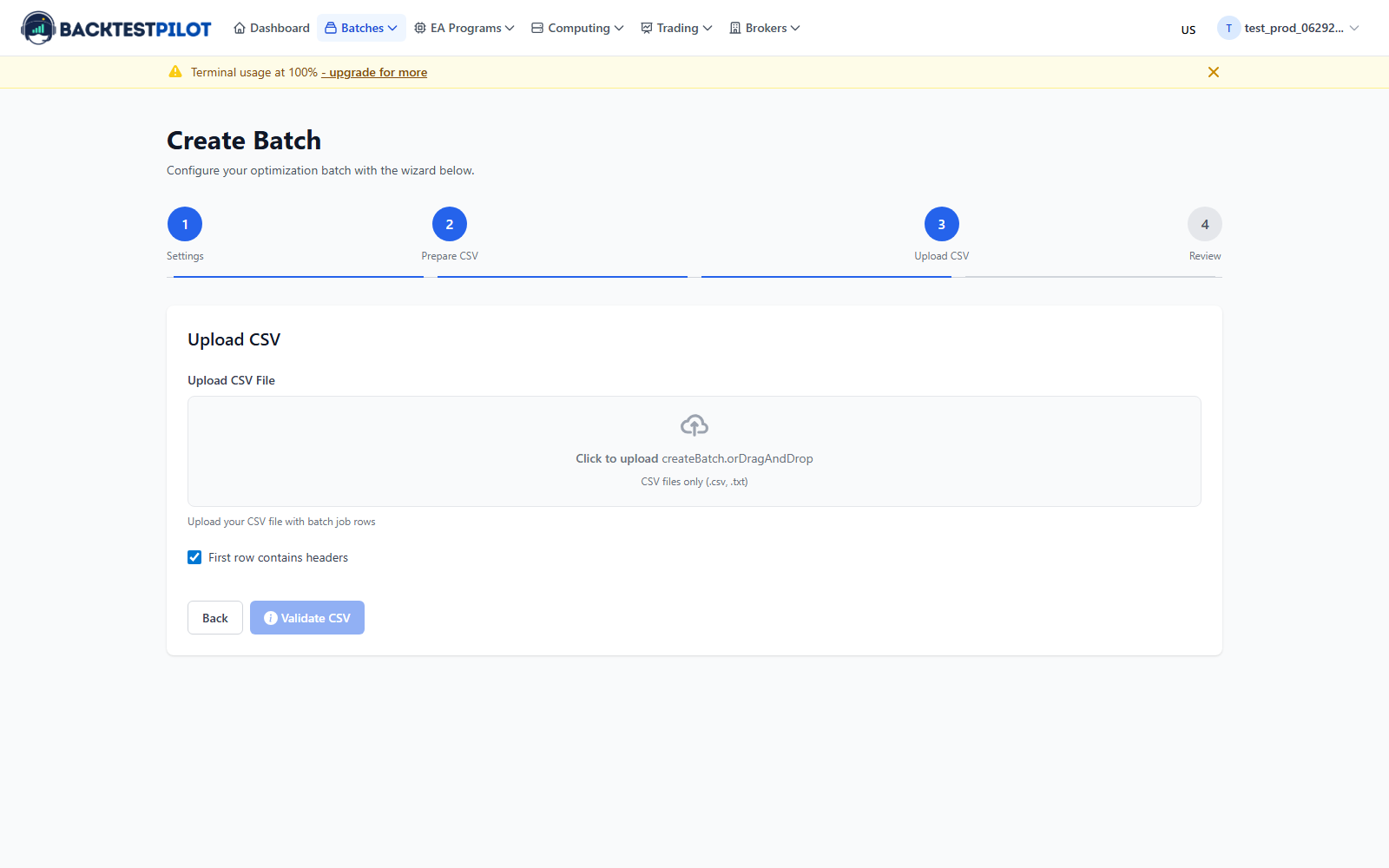
CSV Bulk Import
Upload hundreds of jobs from CSV. Preview data, validate formats, and submit in seconds instead of hours.
Loading screenshot...
Loading screenshot...
One-Click Parameter Launch
Select the best optimization pass and launch a backtest in 10 seconds. No more manual configuration.
Watch the Full Workflow
From batch creation to results analysis - watch how BacktestPilot streamlines your trading workflow
Manual Batch Creation
Create batches step-by-step
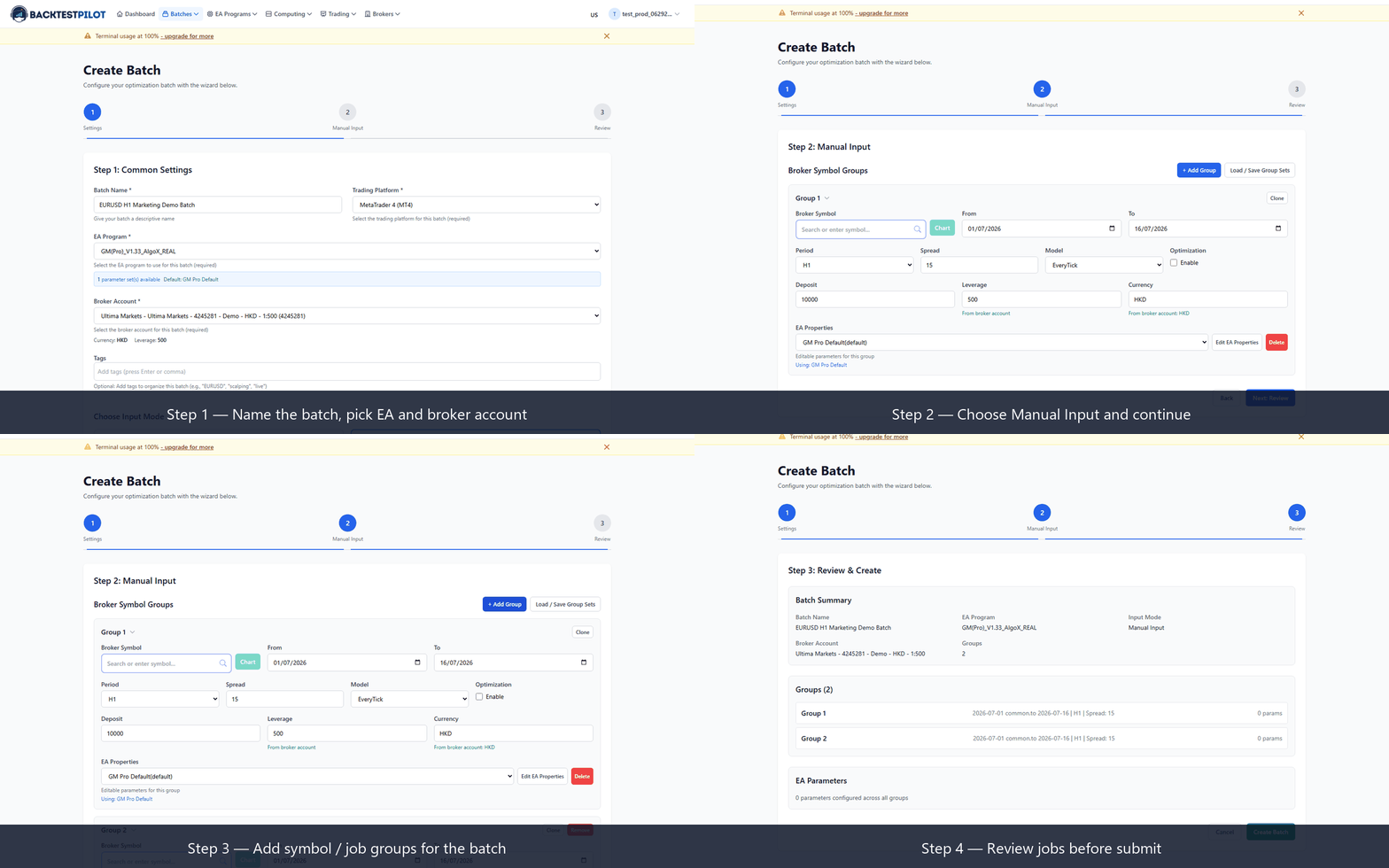
Navigate to batches → Select EA & Account → Add jobs → Review & Submit
CSV Bulk Import
Upload hundreds of jobs at once
Loading screenshot...
Upload CSV → Preview data → Review & Submit
Why These Features Matter
Real problems, real solutions
| Pain Point | Traditional Way | BacktestPilot |
|---|---|---|
| Batch test 100 jobs | 3-5 hours manual | Submit CSV & walk away |
| Record optimization params | Excel clipboard copying | Auto-saved forever |
| Manage multiple terminals | Stare at screen waiting | Real-time monitoring |
| Switch between brokers | Reconfigure manually | One-click switch |
| Launch from mobile | Can't - needs Windows | 3 taps from browser |
| Find historical results | Search through folders | Instant search |
| Export reports | Manual screenshot | HTML/PDF/CSV/JSON |
| Re-run best parameters | Recreate manually | One-click launch |
Ready to Transform Your Workflow?
These aren't just features - they're solutions to real problems that traders face every day.